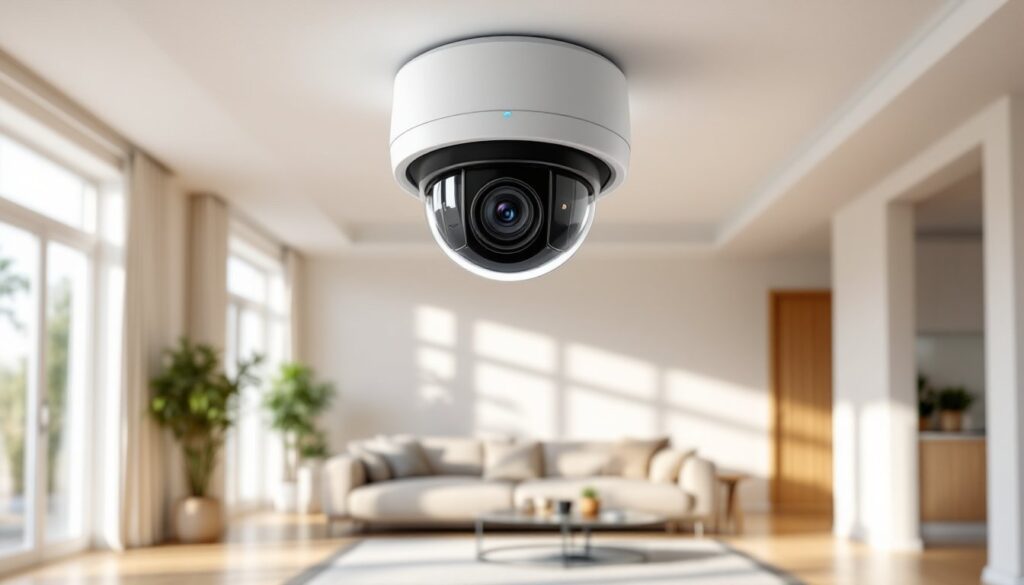
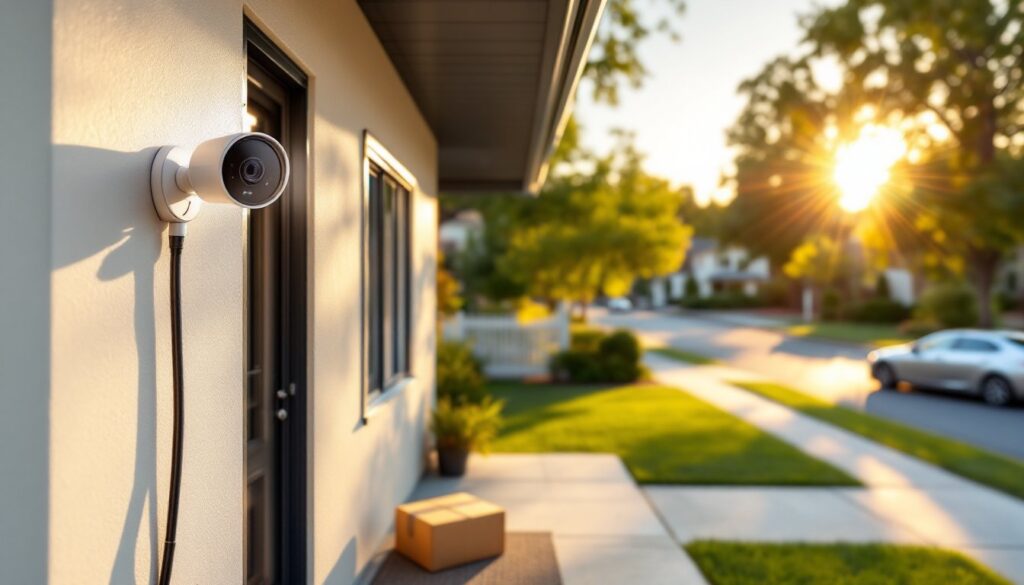
Smart home security has evolved from clunky wired systems to sleek, Wi-Fi-connected cameras that fit in your palm. Among the options crowding the market, Canary has carved out a niche with its all-in-one approach, combining video surveillance, environmental monitoring, and AI-powered alerts into a single device. Whether someone’s securing a rental property, keeping an eye on pets, or monitoring a workshop, Canary offers a plug-and-play alternative to traditional multi-component security setups. This guide walks through everything a homeowner needs to know about choosing, installing, and using Canary cameras in 2026.
Table of Contents
ToggleKey Takeaways
- Canary security cameras combine 1080p HD video, motion detection, and environmental monitoring (air quality, temperature, humidity) in a single plug-and-play device with no hub or installation complexity required.
- The Pro model includes all sensors and a 90+ decibel siren, while the Flex offers weatherproof battery-powered flexibility for outdoor use, and the View provides a budget-friendly option for secondary areas.
- Free users get 24 hours of video history and basic alerts, but Premium membership ($99/year) unlocks 30 days of cloud storage, priority support, and professional emergency dispatch—essential for security documentation and insurance claims.
- Environmental monitoring features track HVAC performance and detect issues like mold or poor ventilation, making Canary valuable beyond just security for homeowners with basements, attics, or workshops.
- The cloud-only storage model means footage relies entirely on internet connectivity and Canary’s servers, with no local SD card backup option, which may concern users prioritizing redundancy.
- Canary is ideal for renters and small homes seeking simple installation and aesthetic appeal, but less suitable for larger properties requiring 5+ cameras or users demanding local storage solutions.
What Is the Canary Security Camera and How Does It Work?
Canary is an all-in-one home security camera that combines 1080p HD video recording, motion detection, night vision, and environmental sensors into a single cylindrical unit. Unlike traditional cameras that only capture footage, Canary devices monitor air quality, temperature, and humidity, useful for detecting furnace failures, water leaks, or poor ventilation in basements and attics.
The system operates through a dedicated mobile app (iOS and Android), which streams live video over Wi-Fi and sends push notifications when motion is detected. Canary uses AI-based person detection to filter out false alarms from pets or shifting shadows, though accuracy varies with lighting and placement.
No hub or base station is required, each camera connects directly to the home’s 2.4 GHz or 5 GHz Wi-Fi network and uploads footage to Canary’s cloud storage. Free users get limited features, while paid subscribers unlock extended video history and advanced alerts. The cameras also include a 90+ decibel siren that can be triggered remotely to deter intruders or alert neighbors.
Key Features That Set Canary Apart from Other Home Security Cameras
Canary distinguishes itself with a handful of features that appeal to DIYers who want more than just video capture.
Environmental Monitoring: Built-in sensors track air quality (total VOCs), temperature, and humidity. This isn’t gimmicky, it’s practical for monitoring basements prone to mold, workshops with ventilation concerns, or vacation homes that sit empty for weeks. Many smart home tech enthusiasts find integrated environmental sensors useful for tracking HVAC performance without buying separate monitors.
HomeHealth Technology: Canary’s proprietary system scores air quality on a 0-100 scale and sends alerts when conditions deteriorate. Helpful for homes with forced-air heating or spray-finish projects that generate fumes.
Intelligent Alerts: The camera learns household routines and adjusts sensitivity based on occupancy. When set to “Away” mode, motion triggers immediate alerts. In “Home” mode, recording pauses for privacy. “Night” mode keeps recording but silences non-critical notifications.
Two-Way Audio: Built-in microphone and speaker allow real-time communication. Useful for directing delivery drivers, calming pets, or warning off package thieves. Audio quality is adequate but not studio-grade, expect slight compression at higher volumes.
Emergency Dispatch (Premium Feature): Paid subscribers can contact emergency services directly through the app. Canary’s monitoring center verifies the incident and dispatches police, fire, or medical responders. Not a replacement for 911, but a faster option when hands are full or a phone isn’t nearby.
Canary Camera Models: Which One Is Right for Your Home?
As of 2026, Canary offers three main models, each suited to different installation scenarios.
Canary Pro: The flagship indoor unit. Includes all environmental sensors, 1080p video, two-way audio, and a built-in siren. Requires a wired connection via the included USB cable and wall adapter. Best for living rooms, entryways, or home offices where a power outlet is accessible. Dimensions: 6″ tall, 3″ diameter. Weight: 14 oz.
Canary Flex: A battery-powered (or wired) camera designed for both indoor and outdoor use. Weatherproof rating of IP65 (dust-tight, water-resistant). Magnetic base allows mounting on metal surfaces without drilling. Battery life ranges from 2-3 months depending on activity and temperature. Lacks environmental sensors but retains motion detection and night vision. Ideal for garages, sheds, patios, or rental properties where permanent installation isn’t an option.
Canary View: The budget model. Stripped-down indoor camera with 1080p video, motion alerts, and night vision, but no environmental sensors, siren, or two-way audio. Requires wired power. Good for covering secondary areas like hallways, back doors, or laundry rooms where environmental monitoring isn’t critical.
All models share the same app and cloud infrastructure, so mixing units in a multi-camera setup works seamlessly. Homeowners planning comprehensive home security systems often start with one Pro for the main living area and add Flex units for perimeter coverage.
Setting Up Your Canary Security Camera: A DIY Installation Guide
Canary installation is straightforward, no drilling, wiring, or configuration headaches. Most setups take 15-20 minutes.
Tools & Materials Needed:
- Canary camera and included USB cable
- Smartphone with the Canary app installed
- 2.4 GHz or 5 GHz Wi-Fi network and password
- For outdoor Flex models: optional weatherproof extension cable (sold separately) if mounting far from an outlet
Step-by-Step Installation:
-
Choose Placement: Position the camera 5-7 feet off the floor for optimal facial recognition. Avoid backlighting (windows behind the camera wash out faces). For wide coverage, place cameras in corners angled across the room. Outdoor Flex units should avoid direct rain exposure, mount under eaves or soffits when possible even though the IP65 rating.
-
Power the Camera: Plug the USB cable into the camera and the wall adapter. The LED ring on top will glow yellow, indicating it’s ready for setup. For battery-powered Flex units, charge fully before first use.
-
Download the App: Install the Canary app (free) and create an account. The app will prompt to add a new device.
-
Connect to Wi-Fi: Scan the QR code on the camera’s base using the app. Enter the Wi-Fi password when prompted. The camera will connect and update firmware automatically (this can take 3-5 minutes, don’t unplug during updates).
-
Test Motion Detection: Walk through the camera’s field of view and verify alerts appear in the app. Adjust sensitivity in settings if notifications are too frequent or sparse.
-
Set Modes: Configure Home, Away, and Night modes based on daily routines. The app can auto-switch modes using geofencing (requires location permissions) or manual toggles.
Safety Note: Never mount cameras near water sources without proper weatherproofing. For outdoor installations, use GFCI-protected outlets to prevent shock hazards. Canary’s 5V USB power supply is low-voltage, but moisture and electricity don’t mix.
Professional Tip: For renters or temporary setups, use 3M Command Strips rated for 5+ lbs to mount cameras on walls without damaging paint. The strips hold well on drywall and painted trim but won’t damage surfaces when removed.
Canary Membership Plans: Do You Need a Subscription?
Canary operates on a freemium model, basic features work without a subscription, but paid plans unlock full functionality.
Free Plan (Basic):
- Live streaming on demand
- Motion-triggered notifications
- 24 hours of video history
- Two-way audio (Pro models only)
- Environmental monitoring (Pro models only)
Premium Membership ($9.99/month or $99/year per location):
- 30 days of video history stored in the cloud
- Unlimited video downloads
- Two-way audio on all camera models
- Desktop streaming (web browser access)
- Extended night vision recording
- Incident support (priority response to alerts)
Premium Plus (formerly Emergency Dispatch, varies by region):
- All Premium features
- Professional monitoring with emergency dispatch
- Video alarm verification (operators review footage before calling authorities)
The free plan is sufficient for casual monitoring, checking in on pets or verifying deliveries. But without extended video history, reviewing footage from yesterday’s suspicious activity isn’t possible. Many users find details about security camera storage options helpful when comparing cloud versus local recording systems.
For homeowners serious about security, Premium is worth the cost. The 30-day history is essential for documenting incidents, filing insurance claims, or providing evidence to law enforcement. At $99/year, it’s cheaper than monitored alarm systems that start at $20+/month.
Pros and Cons: Is Canary the Right Security Solution for You?
Advantages:
- Zero Installation Complexity: Plug in, connect to Wi-Fi, done. No drilling, wiring, or configuration files. Ideal for renters or DIYers who avoid complex electrical work.
- Environmental Sensors: The air quality and temperature monitoring is genuinely useful beyond security, especially for basements, attics, or homes with HVAC issues.
- No Contracts: Month-to-month subscriptions with no activation fees or early termination penalties. Cancel anytime.
- Clean Design: The cylindrical form factor blends into modern decor better than bulky bullet cameras.
Disadvantages:
- Cloud-Only Storage: No local SD card or NVR option. If Canary’s servers go down or internet drops, footage isn’t recorded. Some home security setups rely on local storage for redundancy.
- Limited Free Features: The 24-hour video history on the free plan is nearly useless for security. Most incidents aren’t discovered immediately.
- Battery Life (Flex Model): The 2-3 month battery life is acceptable but not class-leading. Expect more frequent charging in high-traffic areas or cold climates.
- No Professional Installation Option: For homeowners uncomfortable with technology, Canary offers no professional setup service.
- Subscription Costs Add Up: Multiple cameras at $9.99/month each get expensive fast. The per-location pricing helps, but only if cameras are grouped in one physical address.
Best For: Renters, apartment dwellers, small homes (1-3 cameras), and DIYers who want simple installation with environmental monitoring. Tech-savvy homeowners who value air quality data alongside security.
Not Ideal For: Larger properties requiring 5+ cameras, users who demand local storage backup, or those needing integration with existing wired security infrastructure.
Conclusion
Canary delivers a solid middle ground between bare-bones DIY cameras and professionally monitored systems. The all-in-one design, environmental sensors, and no-drill setup make it accessible for homeowners who want effective security without running cable or hiring installers. While the cloud-only storage and subscription model aren’t perfect, Canary’s approach fits the needs of most residential users, especially those prioritizing simplicity and aesthetics over advanced integrations. For DIYers willing to trade some flexibility for ease of use, Canary remains a practical choice in 2026’s crowded smart home security landscape.