Business owners lose an estimated $50 billion annually to theft, vandalism, and fraud, losses that a solid security camera system can dramatically reduce. But walking into a commercial security setup isn’t like buying a doorbell cam for your porch. Business systems need to handle multiple zones, store weeks of footage, and deliver image quality sharp enough to identify faces or license plates at 2 a.m. Whether you’re securing a retail storefront, a warehouse, or a multi-tenant office building, the right camera system balances coverage, reliability, and budget without requiring a dedicated IT team to run it.
Table of Contents
ToggleKey Takeaways
- The best security camera for business requires 4K resolution or higher to identify faces and license plates, especially for large areas like parking lots and retail floors where detail clarity is essential.
- Modern business security camera systems should include AI-powered motion detection, two-way audio, tamper alerts, and remote mobile access to reduce false alarms and enable faster incident response.
- Choose between local NVR storage (one-time cost, faster playback, but vulnerable if stolen) and cloud storage (ongoing fees, off-site protection, requires dedicated internet bandwidth) or use hybrid systems that combine both for redundancy.
- Outdoor cameras need IP66 weatherproofing and superior night vision with starlight sensors or smart IR adjustment to capture usable footage in low-light conditions, reducing false alerts by up to 40%.
- Plan camera placement on paper first, prioritize high-risk zones like entrances and loading docks, use PoE cabling to simplify installation, and always test field of view and night vision performance before permanent mounting.
What Makes a Great Business Security Camera System?
A great business security camera system does more than just record, it deters theft, provides legal evidence, and monitors operations in real time. The baseline requirements differ sharply from residential setups.
First, resolution matters. A 1080p camera might work for monitoring a hallway, but 4K (8MP) or higher is essential for covering large areas like parking lots or retail floors where you need to read name tags or spot product tampering. More pixels mean you can digitally zoom into footage without losing clarity.
Field of view (FOV) is equally critical. Wide-angle lenses (110°–130°) cover more ground with fewer cameras, but they can distort edges. Narrow lenses (60°–80°) are better for corridors or entryways where you need facial detail. Plan your camera count and placement based on the zones you need to cover, not just the total square footage.
Durability and weather resistance are non-negotiable for outdoor units. Look for cameras rated IP66 or higher (dust-tight and protected against heavy rain). If you’re in a region with temperature swings, choose models rated for -20°F to 140°F or wider.
Finally, integration and scalability separate business systems from consumer gear. Your system should support multiple users with role-based access, integrate with alarm systems or access control, and allow you to add cameras without replacing the entire setup. Systems using PoE (Power over Ethernet) simplify installation by running power and data over a single cable, cutting down on outlet runs and clutter.
Top Security Camera Picks for Small to Medium Businesses
For small businesses, Reolink RLC-810A (4K PoE) hits the sweet spot. It delivers 8MP resolution, person/vehicle detection via onboard AI, and works with both Reolink NVRs and third-party systems. The varifocal lens (2.7–13.5mm) lets you adjust the field of view without swapping hardware, helpful if you’re covering both a narrow entrance and a wider sales floor.
If you need wireless flexibility, Arlo Pro 5S works well for smaller setups or temporary locations. It’s battery-powered with solar panel options, supports 2K video, and integrates with most cloud platforms. Downsides: subscription costs add up, and battery life dips in cold weather.
For larger operations or multi-site businesses, Axis Communications M3067-P (6MP fixed dome) is a workhorse. It’s pricier, but built for 24/7 operation with vandal-resistant housing (IK10-rated), WDR (wide dynamic range) for tricky lighting, and ONVIF compliance so it plays nice with enterprise video management software. Install these in high-traffic areas or anywhere tampering is a risk.
Budget-conscious? Hikvision DS-2CD2143G2-I (4MP dome) offers solid image quality, basic motion detection, and PoE for under $150 per camera. It lacks advanced AI features, but for monitoring back doors or stockrooms where you just need clear footage, it’s hard to beat the value. Many businesses using professional installation services can integrate these into existing network infrastructure without a full system overhaul.
Indoor vs. Outdoor Business Security Cameras: Which Do You Need?
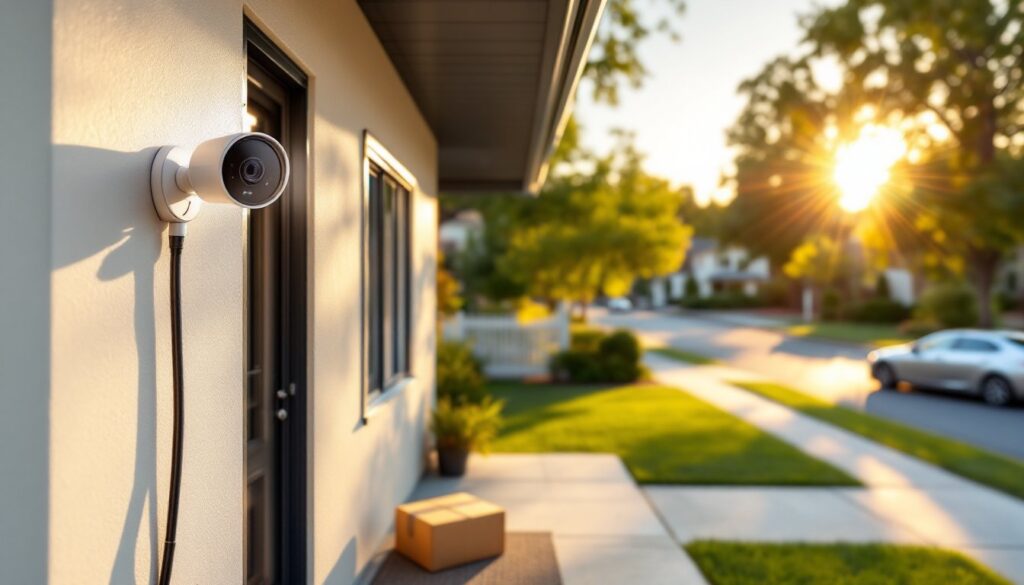
Most businesses need both, but the priorities differ. Outdoor cameras focus on perimeter security, deterrence, and license plate capture. They require weatherproof housings, infrared night vision, and wider fields of view to cover parking lots, loading docks, and building entrances. Vandal-resistant domes or bullet cameras with metal housings are standard.
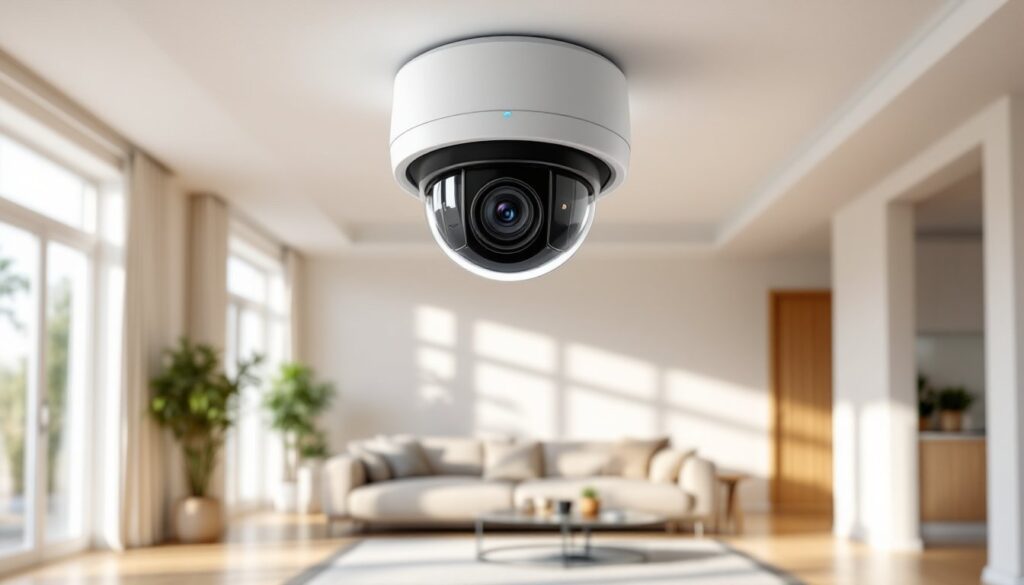
Indoor cameras prioritize discreet monitoring and detail. Dome cameras blend into ceilings in retail or office spaces, while PTZ (pan-tilt-zoom) models let you actively track movement across showrooms or warehouse aisles. Indoor units don’t need weatherproofing, so you can often get higher resolution or better low-light sensors at the same price point.
Don’t skip coverage at transition points, loading docks, back doors, and side gates are common entry points for theft. A single 4K outdoor camera covering a rear entrance can be worth more than three indoor cameras watching empty hallways.
If your business operates in a high-risk area, consider license plate recognition (LPR) cameras for parking areas. These use narrow FOV and specialized IR to capture plates clearly, even at night or in rain. They’re overkill for most small businesses, but essential for car dealerships, parking garages, or logistics hubs.
Key Features to Look for in Commercial Security Cameras
Motion detection and analytics have moved beyond basic pixel change. Modern systems use AI to distinguish people, vehicles, and animals, cutting false alerts from blowing leaves or passing headlights. Look for models that let you draw custom detection zones, for example, triggering alerts only when someone enters a restricted area, not when they walk past a window.
Two-way audio is underrated for businesses. It lets you communicate with delivery drivers, warn off trespassers, or reassure employees during off-hours. Pair it with a loud siren or strobe, and many would-be intruders leave before attempting entry.
Tamper alerts notify you if a camera is repositioned, spray-painted, or disconnected. This feature is critical for outdoor cameras in accessible locations, vandals often disable cameras before attempting theft.
Remote access via mobile app or web portal is table stakes, but check the interface before committing. Clunky apps slow down incident response. Test live view latency, playback speed, and how easy it is to export footage clips. You don’t want to fumble with a 12-step export process when the police are asking for video evidence.
Night Vision and Low-Light Performance
Infrared (IR) night vision is standard, but range and image quality vary wildly. Budget cameras often claim “100-foot night vision” but deliver grainy, washed-out footage past 30 feet. Look for cameras with multiple IR LEDs and adjustable intensity to avoid overexposure in tight spaces.
Starlight sensors (also called color night vision) use larger image sensors and wider apertures to capture usable color footage in near-darkness, down to 0.01 lux or lower. They cost more but are worth it for parking lots, alleys, or anywhere identifying clothing color or vehicle details matters. According to industry testing on low-light cameras, starlight-equipped models can reduce false alerts by up to 40% compared to standard IR.
Smart IR adjusts LED intensity based on subject distance, preventing the “white blob” effect when someone walks close to the lens. If you’re monitoring loading docks or narrow corridors where people pass near the camera, this feature prevents unusable overexposed footage.
Cloud Storage vs. Local Storage for Business Footage
Local storage using an NVR (network video recorder) or SD cards gives you full control and avoids monthly fees. A 4-camera system recording 24/7 at 1080p uses roughly 1 TB per week. Most NVRs support 2–8 TB hard drives (expandable to 16 TB or more), giving you 2–4 weeks of rolling footage. Pros: one-time cost, no internet dependency, faster playback. Cons: if someone steals the NVR, you lose the footage. Always mount the recorder in a locked room or cabinet.
Cloud storage protects footage off-site but adds recurring costs. A 10-camera system can run $50–$200/month depending on retention length and resolution. Calculate annual costs before committing, they often exceed the hardware cost within two years. Cloud is worth it if you have multiple locations, need remote access without port-forwarding headaches, or operate in areas prone to theft or natural disasters where local hardware is at risk. Businesses managing residential security installations often find that hybrid systems, local primary storage with cloud backup for critical cameras, offer the best balance.
Hybrid systems combine both. Cameras record locally for fast playback and high retention, while uploading clips triggered by motion or alerts to the cloud. This gives you redundancy without paying to store every second of footage off-site.
One often-missed detail: check upload bandwidth requirements. A single 4K camera streaming continuously to the cloud uses 8–12 Mbps. Four cameras can saturate a basic business internet plan, slowing down point-of-sale systems or VoIP phones. If cloud storage is essential, budget for a dedicated internet line or use cameras that upload clips only, not continuous streams.
Installation Tips for Business Security Cameras
Plan camera placement on paper first. Walk your property and map high-risk zones: entrances, cash registers, inventory storage, parking areas, and blind spots. Aim cameras slightly downward (15°–30° angle) for best facial recognition. Avoid pointing cameras directly at windows or bright lights, glare and reflection ruin footage.
Use PoE whenever possible. Running Cat6 cable to each camera simplifies power and delivers reliable data. You’ll need a PoE switch or NVR with built-in PoE ports. Budget roughly $0.50–$1.00 per foot for cable runs if you’re hiring an electrician. Exposed cable runs in commercial spaces often require conduit for code compliance, check local requirements.
Mount cameras out of easy reach (9+ feet) to prevent tampering, but not so high that faces become unrecognizable. For outdoor bullet cameras, angle the sun shield to prevent lens flare during sunrise or sunset.
Test before permanently mounting. Connect each camera, verify the field of view, check night vision range, and confirm network connectivity. Adjust angles, then secure mounts with stainless steel hardware, especially outdoors where rust is a concern.
Label everything. Tag each cable at both ends (“Camera 3 – Rear Door”). Future troubleshooting or expansions go much faster when you’re not tracing mystery cables through ceiling tiles. Recent reviews on home tech installations emphasize that proper labeling cuts service call times in half.
Consider permit requirements. Some jurisdictions require permits for low-voltage wiring in commercial spaces, especially if running cable through fire-rated walls. Check with your local building department before starting. And always wear safety glasses when drilling overhead and use a dust mask if working in dusty ceiling spaces.