Securing a commercial property isn’t like sticking a Ring doorbell on your porch and calling it a day. Businesses face theft, liability claims, vandalism, and employee safety concerns, stakes are higher, coverage needs to be wider, and systems need to scale. Commercial security camera systems are built for 24/7 operation, multi-camera management, extended storage, and integration with access control or alarm systems. Whether you’re running a retail shop, warehouse, or office complex, choosing the right system means balancing coverage, resolution, storage, and budget without overpaying for features you won’t use.
Table of Contents
ToggleKey Takeaways
- Commercial security camera systems require 4K resolution, 24/7 operation capability, and multi-terabyte storage (30-90 days) to meet business liability and compliance needs, unlike residential systems.
- Top-performing commercial security camera systems like Hikvision AcuSense and Verkada offer AI-powered analytics that distinguish between people and vehicles, reducing false alerts by 90% while enabling scalability from 8 to unlimited cameras.
- PoE (Power over Ethernet) cameras simplify installation by combining power and data through a single cable, cutting wiring costs and enabling remote management through mobile apps with role-based access controls.
- Professional installation costs $150-$300 per camera for complex properties but ensures code-compliant cable routing, optimal camera angles, and integration with access control systems; DIY works for small properties under 5,000 sq ft with 4-8 cameras.
- Cloud-native commercial security camera systems eliminate the need for on-site NVR servers, offer unlimited scalability across multiple locations, and include automatic backups, though they require subscription-based pricing ($500-$600 per camera for 10-year licenses).
- Cybersecurity is critical—commercial systems need end-to-end encryption, two-factor authentication, VLAN isolation, and regular firmware updates to prevent hacking and protect sensitive footage from breach.
What Makes a Commercial Security Camera System Different from Residential?
Residential systems are designed for simplicity, plug-and-play setups, mobile apps, and enough storage for a few days of doorbell footage. Commercial systems are built for durability, scalability, and regulatory compliance.
Camera count and coverage area: A home might need 2-4 cameras. A commercial property could require dozens, covering parking lots, entry points, sales floors, loading docks, and back offices. Systems need to support multi-camera management without lag or dropped feeds.
Resolution and night vision: While 1080p might suffice for residential use, commercial environments often demand 4K resolution for facial recognition, license plate capture, or zooming into distant areas without pixelation. Enhanced infrared (IR) night vision, often 100+ feet, is standard for outdoor and low-light zones.
Storage capacity: Businesses typically need 30-90 days of rolling footage, especially for liability protection or incident investigation. That means local network video recorders (NVRs) with multi-terabyte capacity or cloud storage plans that don’t expensive. Some industries (retail, healthcare, finance) may have legal retention requirements.
Weather and vandal resistance: Outdoor commercial cameras are rated IP66 or IP67 (dust-tight, waterproof) and often include IK10 impact resistance to withstand tampering or physical strikes. Residential cameras rarely meet these standards.
Integration and remote access: Commercial systems often tie into access control (badge readers, magnetic locks), alarm panels, and point-of-sale (POS) systems for transaction-linked video. Multi-user access with role-based permissions lets managers view feeds while restricting access to sensitive areas for other staff.
Many professional security installers emphasize that commercial systems require upfront planning around network infrastructure, power over Ethernet (PoE) switches, and bandwidth to handle multiple simultaneous streams.
Top Features to Look for in Commercial Security Camera Systems
Not every feature matters for every business. A retail store needs different capabilities than a warehouse or office building.
Resolution and frame rate: Look for at least 4MP (2560×1440) or 4K (3840×2160) resolution. Higher resolution allows digital zoom without losing detail. Frame rates of 15-30 fps are standard: anything lower produces choppy playback that makes identifying suspects difficult.
Field of view (FOV) and lens type: Wide-angle lenses (90-110 degrees) cover large open areas like lobbies or parking lots. Varifocal lenses allow manual zoom adjustment during installation to dial in the exact coverage needed. PTZ (pan-tilt-zoom) cameras provide remote control over viewing angles and zoom, ideal for monitoring large properties with fewer cameras.
Low-light and night vision performance: Starlight sensors and color night vision capture usable footage in near-darkness without switching to grainy black-and-white IR mode. For complete darkness, IR illumination with a range of 100-150 feet is essential for perimeter security.
Smart analytics and motion detection: Modern systems include AI-powered detection that distinguishes between people, vehicles, and animals, reducing false alerts from passing wildlife or blowing debris. Some offer intrusion zones, line crossing detection, and loitering alerts. Advanced systems can detect removed objects (e.g., a missing product from a shelf) or abandoned items.
Storage options: Choose between local NVR storage (typically 4TB-16TB for multi-camera setups) or cloud storage. Local storage has no monthly fees but requires backup redundancy (RAID configurations). Cloud storage offers remote access and automatic backups but comes with subscription costs, often $10-$30 per camera per month.
Power over Ethernet (PoE): PoE cameras receive power and data through a single Ethernet cable, simplifying installation and reducing wiring costs. A PoE+ switch (802.3at standard) can power multiple cameras, with higher-end models supporting PoE++ (802.3bt) for PTZ cameras with heaters and wipers.
Remote access and mobile apps: Systems should offer intuitive mobile and desktop apps with live view, playback, and alert management. Multi-user support with customizable permissions is critical for businesses with multiple managers or security personnel.
Cybersecurity: Commercial systems are prime targets for hacking. Look for end-to-end encryption, regular firmware updates, and compatibility with virtual LANs (VLANs) to isolate camera traffic from your main business network. Avoid systems with default passwords or no two-factor authentication.
For properties requiring extensive setups, consulting with certified security installers can help spec out the right mix of cameras, storage, and network infrastructure.
Our Top Picks for the Best Commercial Security Camera Systems in 2026
These picks reflect real-world use cases, balancing image quality, storage, scalability, and support.
Best Overall Commercial Security System
Hikvision AcuSense NVR Kit stands out for its combination of AI analytics, 4K resolution, and enterprise-grade build quality. The system includes 8-16 camera support (expandable to 32), ColorVu night vision for full-color footage in low light, and deep learning algorithms that reduce false alarms by 90% compared to basic motion detection.
The NVR supports RAID storage configurations for redundancy, and cameras are rated IP67 with optional IK10 vandal-resistant housings. Hikvision’s software allows integration with access control, alarm systems, and third-party VMS (video management software) platforms.
Why it works: Mid-to-large businesses (retail chains, warehouses, multi-tenant buildings) get professional-grade performance without custom enterprise pricing. Cameras are PoE-powered, simplifying installation. The system’s AcuSense technology filters out irrelevant motion (branches, shadows), so you’re only alerted to actual people or vehicles.
Drawback: Hikvision has faced government scrutiny and bans in some sectors due to data security concerns. If working with federal contracts or sensitive environments, verify compliance. Some reviewers, including CNET, recommend exploring alternatives like Axis Communications for high-security applications.
Best Budget-Friendly Commercial Camera System
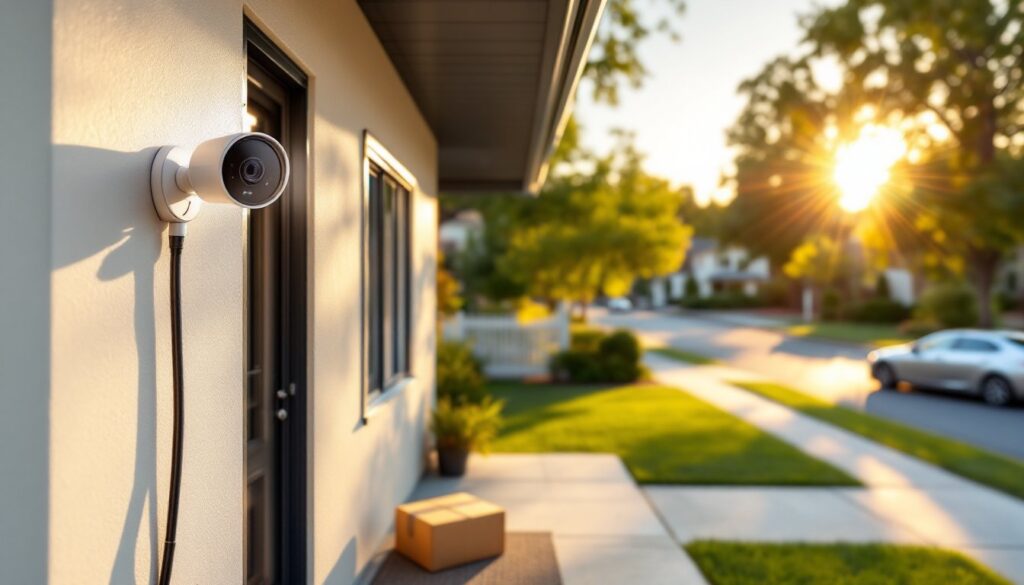
Reolink RLK16-820D8-A delivers impressive specs at a fraction of enterprise costs. This 16-channel NVR system includes eight 4K PoE cameras, a 3TB HDD, and person/vehicle detection. Cameras feature 100-foot IR night vision, IP66 weatherproofing, and wide 87-degree FOV.
Setup is plug-and-play via PoE, connect cameras to the NVR’s built-in PoE ports, and the system auto-configures. The Reolink app offers remote viewing, playback, and alert customization. Cloud storage is optional: the system works entirely offline if preferred.
Why it works: Small businesses (restaurants, small retail, offices under 5,000 sq ft) can deploy professional-quality surveillance without recurring fees or complicated licensing. The system scales to 16 cameras total, and Reolink’s customer support is responsive.
Drawback: No advanced analytics beyond basic person/vehicle detection. PTZ options are limited, and the mobile app lacks the polish of enterprise platforms. For simple perimeter and interior monitoring, it’s hard to beat the value.
Best for Scalability and Large Properties
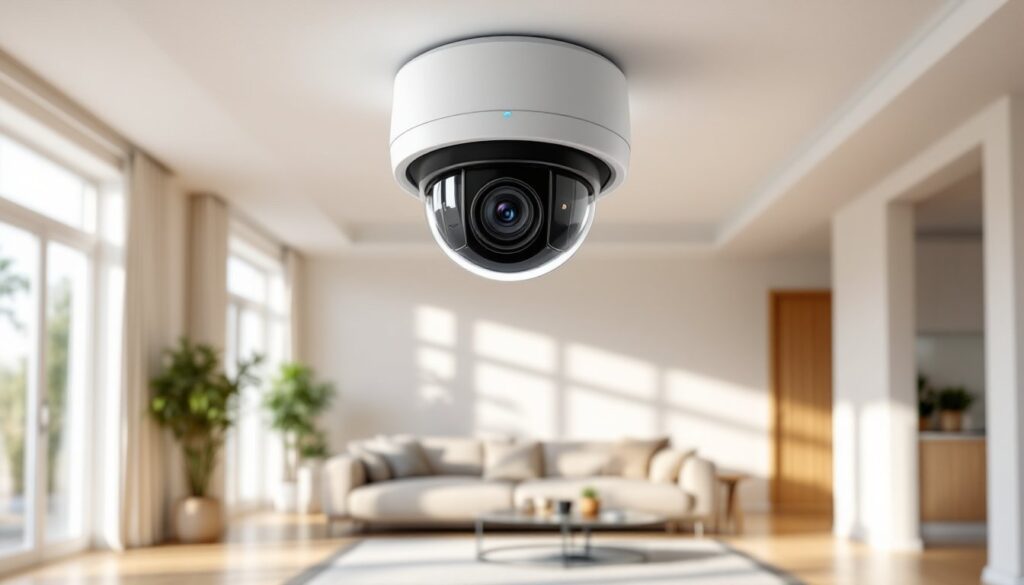
Verkada Dome Series is a cloud-native system designed for enterprise scalability. Each camera includes onboard storage (30-365 days), eliminating the need for a central NVR. Cameras connect directly to your network, and footage is accessible via Verkada’s cloud dashboard.
The system supports unlimited camera additions without server upgrades, and AI analytics include people counting, occupancy tracking, face matching (with opt-in privacy controls), and license plate recognition. Cameras are hybrid cloud: footage stays onboard until accessed remotely, reducing bandwidth usage.
Verkada’s Command platform provides centralized management across multiple sites, ideal for retail chains, property management companies, or businesses with distributed locations. Setup requires minimal IT involvement, cameras are PoE-powered and auto-configure once connected.
Why it works: Businesses expecting growth or managing multiple properties get seamless scalability. There’s no bottleneck from NVR channel limits, and cloud management means no on-site server maintenance. Integration with access control and environmental sensors (temperature, air quality) adds facility management capabilities.
Drawback: Verkada’s pricing is subscription-based, starting around $500-$600 per camera for a 10-year license. That’s higher upfront cost than traditional NVR systems, but it includes hardware, storage, support, and automatic firmware updates. For businesses prioritizing low-touch management and long-term TCO (total cost of ownership), the model makes sense.
According to Digital Trends, cloud-native systems like Verkada are increasingly favored by businesses tired of managing local servers and dealing with failed hard drives.
Installation Options: DIY vs. Professional Setup
Deciding between DIY and professional installation depends on system complexity, property size, and your comfort with network configuration.
DIY installation works best for:
- Small properties (under 5,000 sq ft) with 4-8 cameras.
- PoE systems where cameras connect directly to an NVR or PoE switch. No separate power wiring needed.
- Single-story layouts where running cables through attics or drop ceilings is straightforward.
- Owners with basic networking knowledge, setting static IP addresses, port forwarding, and configuring remote access.
Tools needed: Drill, fish tape or cable pulling rods, Ethernet crimping tool (if making custom cable lengths), ladder, voltage tester (if running power separately). Budget 1-2 days for a typical 8-camera setup if you’re methodical about cable routing and camera placement.
Professional installation is worth it for:
- Large properties (10+ cameras, multiple buildings, or extensive outdoor coverage).
- Complex network setups, VLANs, managed switches, or integration with existing access control or alarm systems.
- Multi-story buildings requiring conduit runs, wall fishing, or ceilings with limited access.
- Businesses needing fast deployment or lacking internal IT resources.
Professional installers handle permits (if required), ensure code-compliant cable routing (NEC Article 800 for low-voltage wiring), and optimize camera angles to eliminate blind spots. Expect to pay $150-$300 per camera for installation labor, depending on complexity and regional rates. That doesn’t include equipment.
Hybrid approach: Some businesses buy equipment themselves and hire an electrician or low-voltage contractor for cable runs and mounting, then handle software configuration internally. This cuts costs while ensuring quality physical installation.
Network considerations: Commercial systems generate significant bandwidth, each 4K camera uses 8-12 Mbps of sustained throughput. A 16-camera system needs a dedicated gigabit network backbone. If your business network is already handling VoIP phones, point-of-sale terminals, and office workstations, isolating camera traffic on a separate VLAN prevents congestion and improves cybersecurity.
Permits and regulations: Installing cameras in employee break rooms, restrooms, or changing areas is typically prohibited without posted notices and consent. Recording audio has stricter rules, many states require two-party consent for audio surveillance. Check local laws before enabling microphone features. For residential security installations, similar privacy and legal guidelines apply, though commercial properties face additional compliance burdens.
If you’re unsure about camera placement, blind spots, or lens selection, a site survey by a professional (often free with installation quotes) can save money by preventing over- or under-coverage. Even experienced DIYers benefit from a second pair of eyes when mapping out a 10+ camera system.